
Dunkin Rewards members can get a free medium Dunkin Refresher by adding a limited-time promo code to their account through the Dunkin app.
On this page
Today’s best deals
Enter promo code DUNKINDI3HARDS in the app’s Offers section to add the free-drink offer to your account. The promotion is available through August 8, 2026, at participating Dunkin locations in the United States.
The offer is limited to one use per rewards member, and availability may vary by location.
Download the Dunkin app for Android
Download the Dunkin app for iPhone
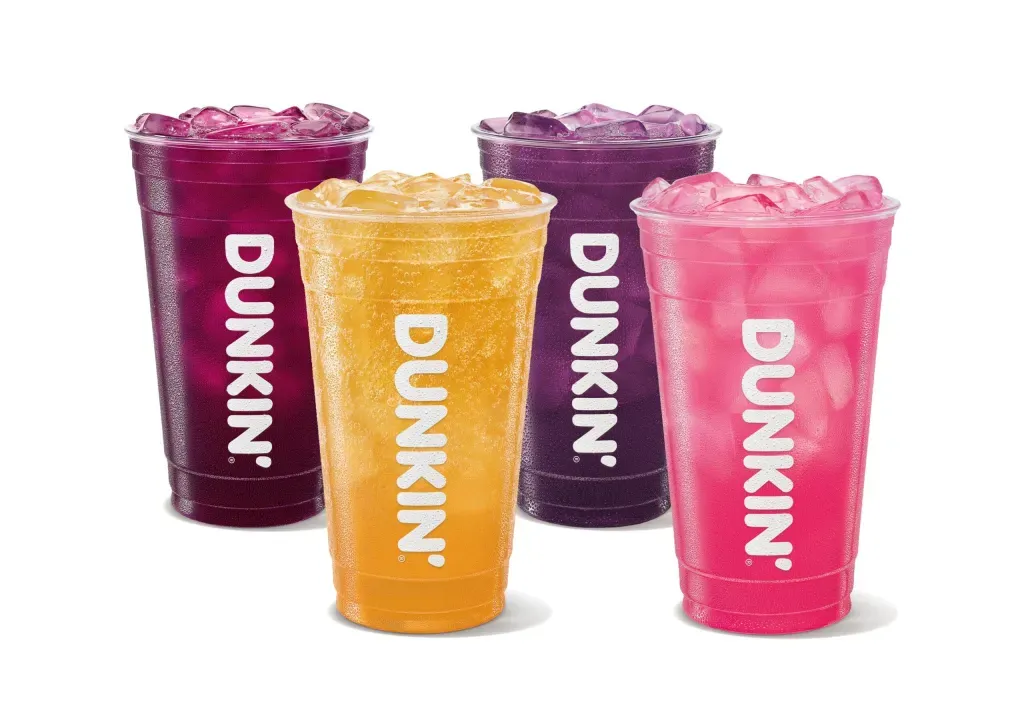
Free Dunkin Refresher Deal at a Glance
- Offer: One free medium Dunkin Refresher
- Promo code: DUNKINDI3HARDS
- Who qualifies: Dunkin Rewards members
- Expiration date: August 8, 2026
- Limit: One use per member
- Where to redeem: Participating U.S. Dunkin locations
- How to claim it: Add the code through the Offers section of the Dunkin app
- Pickup: Free store pickup may be available
- Exclusions: Dunkin Energy, Iced Tea, and Lemonade
- Combining offers: The promotion can’t be combined with another discount, coupon, or offer on the same item
There are no substitutions or cash refunds for the free drink. Participation and Refresher availability may differ by restaurant.
How to Get a Free Dunkin Refresher
The free Refresher isn’t automatically added to every account. You’ll need to enter the promo code through the Dunkin app before trying to redeem it.
1. Download or Open the Dunkin App
The promotion is available through the Dunkin mobile app.
Use one of these official download links:
Existing users should check that the app is updated before entering the code.
2. Sign In to Dunkin Rewards
Open the app and sign in to your existing Dunkin Rewards account.
New members can create an account for free through the app or visit the official Dunkin Rewards page.
The same person should use the account when adding the code and redeeming the offer.
3. Open the Offers Section
After signing in, locate the Offers section inside the app.
This is where Dunkin displays member promotions, bonus-point opportunities, and other limited-time discounts.
4. Enter Promo Code DUNKINDI3HARDS
Add the following code exactly as shown:
DUNKINDI3HARDS
Capitalization generally shouldn’t matter, but entering it exactly as displayed reduces the possibility of an error.
After submitting the code, confirm that the free medium Refresher offer appears in your account.
5. Add an Eligible Medium Refresher
Choose a participating Dunkin restaurant and add an eligible medium Refresher to your order.
The promotion excludes:
- Dunkin Energy drinks
- Iced Tea
- Lemonade
Menu selections and available Refresher flavors can vary by store.
6. Apply the Offer Before Ordering
Make sure the free-drink offer is selected in your cart and that the eligible beverage price has been removed before you submit the order.
Don’t complete the transaction if the expected discount isn’t showing. Double-check the selected size, product, participating store, and account offer first.

When Does the Free Dunkin Refresher Offer End?
The promotion is scheduled to expire on August 8, 2026.
Because it’s a limited-time offer, it’s better to add the code and redeem the drink before the final day. A location may also temporarily run out of an eligible flavor or stop offering a particular menu item.
Adding the code to your account doesn’t necessarily extend the redemption period beyond the promotion’s expiration date.
Which Dunkin Drinks Qualify?
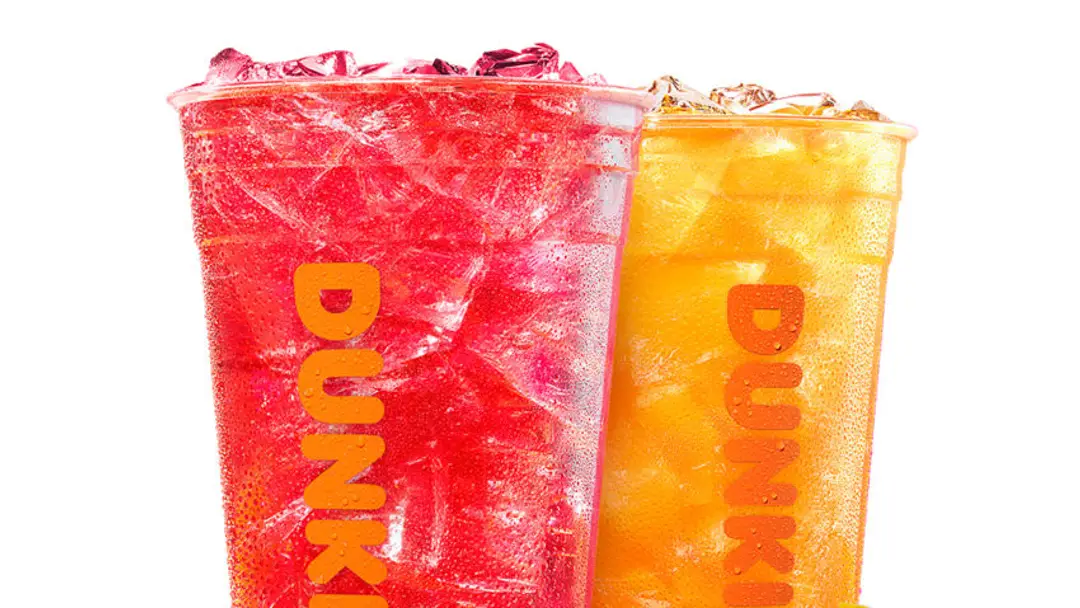
The promotion is specifically for one eligible medium Dunkin Refresher.
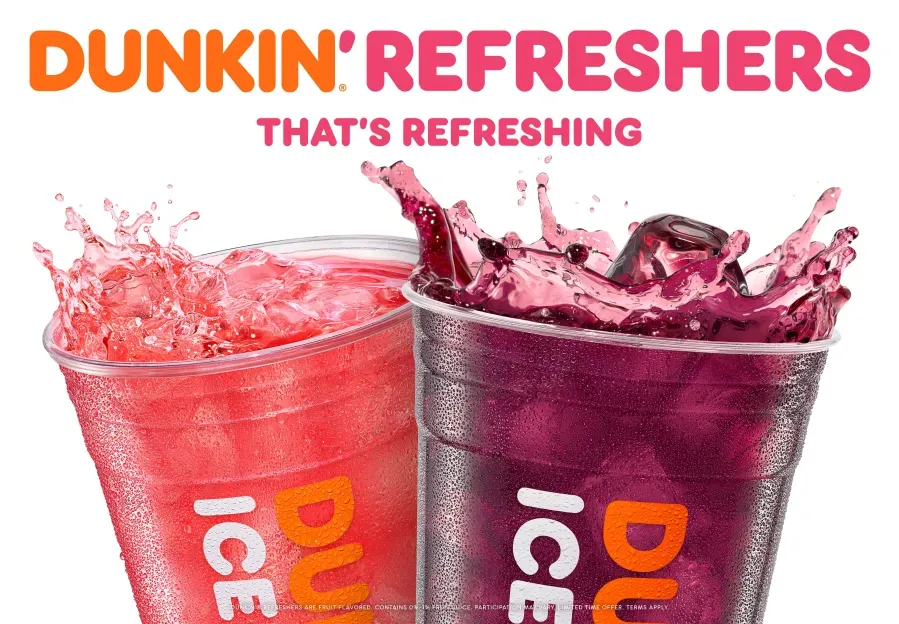
Dunkin Refreshers are cold, fruit-flavored drinks that may be prepared with different bases or customizations depending on the current menu and participating restaurant.
Dunkin’s 2026 seasonal lineup has included Black Cherry and Limeade flavors, along with drinks such as the Cherry Daydream Refresher and Cherry Lime Rickey Refresher. However, the free offer’s stated exclusions mean customers shouldn’t assume every Refresher-style or fruit-flavored beverage will qualify.
The safest approach is to:
- Choose a participating store in the app.
- Add a medium drink from the Refresher category.
- Apply the offer.
- Verify that the price changes before ordering.
If the discount doesn’t appear, try a different eligible Refresher or contact the selected restaurant before completing the purchase.
Can You Redeem the Free Refresher In-Store?
The published deal instructions focus on adding the promotion through the Dunkin app and selecting store pickup where available.
Once the offer is attached to your account, review the redemption instructions displayed inside the app. Some Dunkin Rewards offers can be used with a mobile order or by scanning the member’s Rewards ID at a participating restaurant, but the terms attached to this specific offer should control how it can be redeemed.
Ordering through the app is likely the simplest way to confirm whether the selected drink qualifies before arriving at the store.
How to Find a Participating Dunkin Near You
Use Dunkin’s official location finder to check nearby restaurants, operating hours, available services, and directions:
Find a Dunkin location near you
Not every Dunkin restaurant necessarily participates in every mobile promotion. Restaurants can also have different menus or temporarily unavailable products.
Select your preferred restaurant in the app before building the order so you can see its current menu and confirm that mobile ordering is available.
What Do You Get With Dunkin Rewards?
Dunkin Rewards is free to join and gives members points on qualifying purchases, access to member-only offers, and the ability to order ahead through the Dunkin app.
The free Refresher promotion is one example of the exclusive offers that may be made available to members.
Join or learn more about Dunkin Rewards
Earn 10 Points for Every $1 Spent
Dunkin Rewards members normally earn 10 points per $1 spent on qualifying purchases at participating locations.
Members can earn points regardless of whether they pay with:
- Cash
- Credit or debit card
- An enrolled Dunkin Card
- Apple Pay
- Google Pay
When paying in person, scan the Dunkin Rewards ID before completing the transaction. Members can also earn points by placing an eligible order through the app.
Unlock Boosted Status
Members who complete 12 qualifying visits in one calendar month can unlock Boosted Status.
Boosted members earn 12 points per $1 spent instead of the standard 10 points per dollar. The increased earning rate lasts for three months and can be extended by continuing to complete 12 qualifying visits during additional calendar months.
Qualifying visits generally must:
- Be at least 60 minutes apart
- Include a points-eligible purchase
- Total at least 99 cents after discounts and before tax
Redeeming only a free reward doesn’t count as a qualifying Boosted Status visit.
Redeem Rewards Starting at 150 Points
Dunkin members can begin converting points into free items after earning at least 150 points.
Current reward categories include:
- 150 points: Select small treats or drink add-ons
- 300 points: One classic donut
- 400 points: Select bakery items
- 500 points: Select bites and bagels
- 600 points: Hot or iced coffee or tea
- 800 points: Refreshers, hot chocolate, chai, or matcha
- 900 points: Select breakfast sandwiches
- 950 points: Specialty coffee and frozen drinks
Reward options and point requirements can change, so check the Dunkin app before converting points.
Receive a Birthday Points Bonus
Members who add their birthday to their account can receive a 3X points offer.
Dunkin lets members activate and use the birthday bonus:
- The day before their birthday
- On their birthday
- The day after their birthday
The benefit provides triple points on qualifying purchases during the selected day rather than a free birthday drink.
Get Member-Only Offers
Dunkin Rewards members may receive special offers, discounts, surprise promotions, bonus-point opportunities, and app-exclusive deals.
Offers can vary by customer, market, and account activity. Adding a ZIP code to your account may help Dunkin provide promotions available in your area.
Customize and Save Favorite Orders
The Dunkin app lets customers customize drinks and food, save preferred orders, and reorder them for pickup.
You can select an available restaurant, adjust ingredients, choose a pickup method, apply eligible offers, and pay before arriving.
This can be useful for customized coffee orders that would otherwise take longer to repeat at the register.
Do Dunkin Rewards Points Expire?
Yes. Dunkin Rewards points expire 12 months after the final day of the month in which they were earned.
For example, points earned on August 3, 2026, would generally expire at the end of August 2027.
Once points are converted into a reward, that reward expires 30 days after conversion. It may be better to wait until you’re ready to use a reward before converting the points.
Can You Earn Dunkin Points on Delivery Orders?
No. Dunkin currently states that delivery orders aren’t eligible to earn points or redeem rewards.
Members can earn points through qualifying:
- In-store purchases
- Drive-thru purchases
- Curbside pickup orders
- In-store pickup orders
- Mobile orders placed through the Dunkin app
Make sure your Rewards ID is scanned or your account is connected to the eligible mobile order.
What to Do if the Dunkin Promo Code Doesn’t Work
First, confirm that you entered the code correctly:
DUNKINDI3HARDS
Then check the following:
- You’re signed in to a Dunkin Rewards account.
- You’re entering the code in the Offers section.
- You haven’t already used the promotion.
- The date is August 8, 2026, or earlier.
- Your selected restaurant participates in the promotion.
- You selected a medium Refresher.
- You didn’t select Dunkin Energy, Iced Tea, or Lemonade.
- You aren’t trying to combine the offer with another discount on the same drink.
Closing and reopening the app or installing the latest update may also resolve temporary issues.
If the code is accepted but the offer doesn’t apply to the drink, try selecting another participating Dunkin location or eligible Refresher.
Is the Free Dunkin Refresher Deal Worth Claiming?
Yes. The promotion offers one medium Refresher at no listed drink cost for eligible Dunkin Rewards members who successfully add and redeem the code.
There’s little downside for someone who already has the Dunkin app or plans to join the free rewards program. The main restrictions are the one-time redemption limit, participating-location requirement, drink exclusions, and August 8 expiration date.
The deal is especially useful for anyone who wants to try a Dunkin Refresher without using the 800 points normally required to redeem a non-coffee drink reward.
Frequently Asked Questions
How do I get a free Dunkin Refresher?
Download or open the Dunkin app, sign in to Dunkin Rewards, open the Offers section, and enter promo code DUNKINDI3HARDS.
Add an eligible medium Refresher and verify that the offer is applied before ordering.
What is the Dunkin free Refresher promo code?
The promo code is DUNKINDI3HARDS.
When does the Dunkin Refresher promotion expire?
The promotion is scheduled to expire on August 8, 2026.
Do you need to be a Dunkin Rewards member?
Yes. You need a Dunkin Rewards account to add and redeem the promotion.
Membership is free through the Dunkin app or website.
What size Refresher is free?
The offer applies to one eligible medium Dunkin Refresher.
Can you use the Dunkin promo code more than once?
No. The promotion is limited to one use per Dunkin Rewards member.
Does the offer include Dunkin Energy drinks?
No. Dunkin Energy drinks are excluded.
The promotion also excludes Iced Tea and Lemonade.
Can the offer be combined with another coupon?
No. It can’t be combined with another discount, offer, promotion, or coupon on the same item.
Is the promotion available at every Dunkin?
No. The offer is valid only at participating Dunkin restaurants in the United States, and product availability may vary.
How many Dunkin points does a Refresher normally require?
Dunkin currently lists small, medium, and large Refreshers in its 800-point non-coffee beverage reward category.
Is Dunkin Rewards free?
Yes. Dunkin Rewards is free to join through the Dunkin app or website.
Final Thoughts
Dunkin Rewards members have until August 8, 2026, to claim a free medium Refresher using promo code DUNKINDI3HARDS.
To get the offer, sign in through the Dunkin app, open the Offers section, enter the code, and make sure the promotion appears in your account. Then select a participating restaurant and add an eligible medium Refresher.
The deal is limited to one redemption per member and excludes Dunkin Energy, Iced Tea, and Lemonade. Availability can vary, so verify that the discount appears before submitting the order.
New customers can download the app and join Dunkin Rewards for free, giving them access to this promotion as well as points, birthday bonuses, Boosted Status, and future member-only offers.

