 50% OFF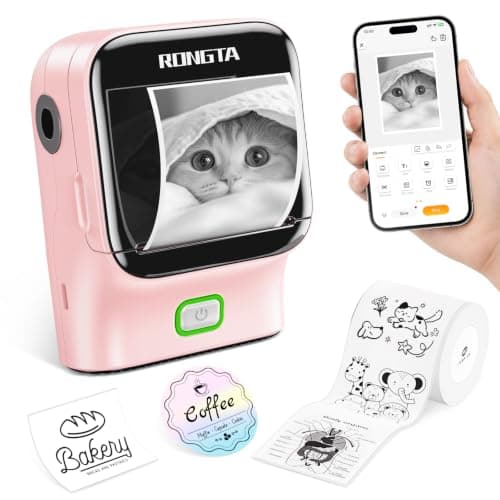
1 / 9
Swipe for more • 1/9
+3
1 / 9
Swipe for more • 1/9
+3
Frequently Asked Questions
It can print customized adhesive labels of any shape and size by cutting the thermal sticker paper with scissors, suitable for memos, study notes, photos, and DIY crafts.
Yes, it connects via Bluetooth to iOS and Android devices through the 'RLabel' app for easy printing.
No, it is an inkless thermal printer that uses thermal sticker paper, so you don't need to buy ink or toner.
No, it only supports black and white printing with clear 203dpi resolution.
Download the 'RLabel' app, turn on the printer until the white light flashes, enable Bluetooth on your phone, grant the app permissions, then open the app and select 'R22' to connect.
Recommended Uses
- Creating custom labels for organizing school supplies and study materials.
- Printing decorative stickers and notes for bullet journals and scrapbooking projects.
- Making personalized labels for DIY crafts and gifts.
- Printing shopping lists and memos for quick and easy reminders.
- Helping children engage in creative learning activities with inkless, safe printing.
- Labeling diaries and planners to keep track of important dates and events.
SAVE 62%
$9.99$25.99